 Activix
  AutoTrader
  Black Book
  CarGurus
  Equifax
  TransUnion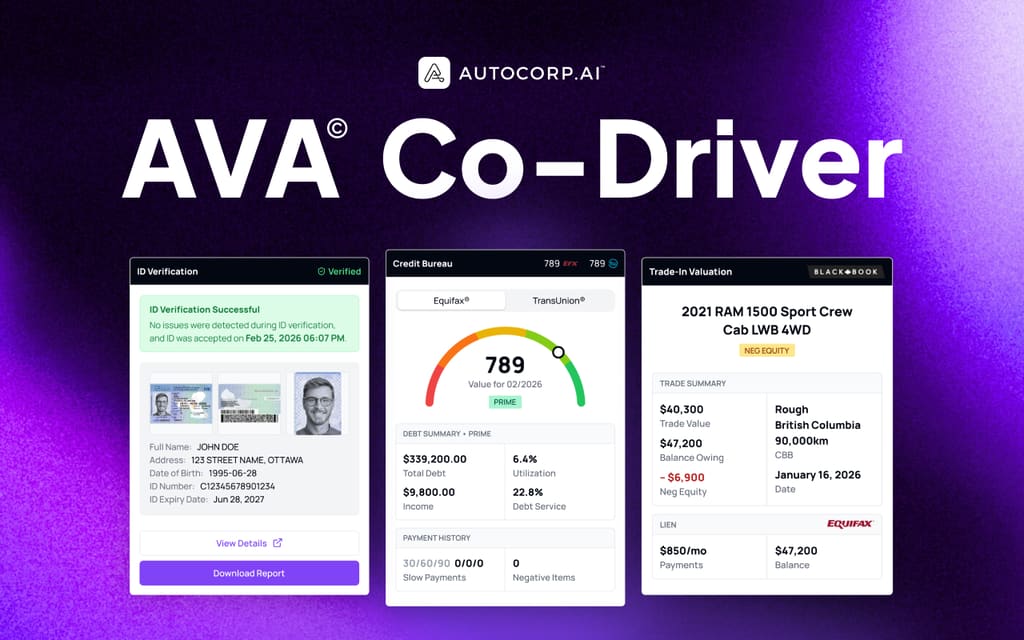


Now more than ever, it’s crucial for car salespeople to utilize video in their sales process. Some customers prefer to do as much of the sales process online or over video. Therefore, as an industry, we have to adapt and use the power of video to sell cars to the customers who prefer to buy more virtually.
Key Takeaways
- Video walk arounds help car shoppers get detailed information from home, which builds trust and speeds up their buying decision.
- Live video tours let salespeople tailor each walk around to the customer’s needs and questions, then move them toward a test drive.
- Using the customer’s preferred video platform and basic gear like a gimbal, headset mic, and good lighting keeps the experience smooth and professional.
- Short, focused videos under 5 minutes that show key features working, such as lights, climate, and audio, keep buyers engaged.
- Clear next steps at the end of each video, usually booking a test drive, turn virtual interest into real showroom visits and sales.
Why Video Walkarounds Are Important
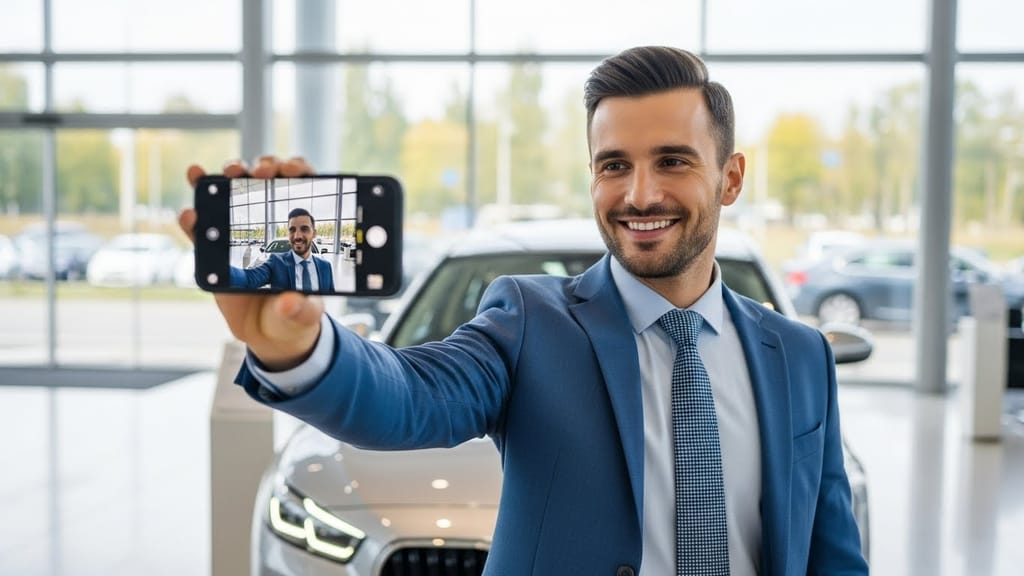
Once you’ve established a relationship with a customer, a great way to continue growing that connection is through a video tour of a vehicle or multiple vehicles. A video tour allows you to show the entire car while giving a live Q & A to the customer.
These live walkarounds can be done at a minimal cost and provide excellent value to all of your customers while building trust in you as a salesperson. Video walkarounds are also a great way to get a customer into a test drive.
We know that purchasing a vehicle is a large investment that most customers don’t want to rush into. Customers want as much information as they can get before purchasing and video walkarounds are a great way to achieve this.
Tips On Having Effective Video Walkarounds
Tip 1: Get to know each video platform
Every customer will be familiar with different video chat platforms, and you must adapt to them instead of forcing them to adapt to you. You need to familiarize yourself with all major platforms. These include Google Meet, Zoom, FaceTime, Facebook Messenger Video, and Skype.
Tip 2: Be prepared
Just as you should be prepared for an in-person visit, you should have the same preparation for a live video walkaround. This means going over your notes on what your customer has told you they’re looking for and catering your walkaround to those notes. If they’ve had objections or concerns in the past, be prepared with solutions.
Tip 3: Ask your customer if they want vertical or horizontal
When the video call begins, simply ask the customer if they prefer horizontal or vertical video. This way, the customer will see the most from your video without squinting and watching a vertical video horizontally.
Tip 4: Keep it under 5 minutes
Make sure when you’re doing video walkarounds that you’re not taking too much time. The walk around should be under 5 minutes. This leaves you time to answer any questions the customer may have.
Tip 5: Turn on the vehicle and show its features working
It’s always a great idea to turn on the vehicle so the customer can hear how it sounds. It also allows you to show that everything is in working order. Be sure to show the blinkers, wipers, climate system, navigational system, and audio system.
Tip 6: Schedule a test drive
It’s essential that you close the video meeting with the next step. The best option at this stage is to schedule a test drive.
Technical Tips
If you want to stand out from other car dealerships, there are a few low-cost things you can do to increase your production value.
Tip 1: Buy a gimbal to have smooth video
Nobody likes to watch a shaky video, and gimbals are a great solution to this problem. A gimbal is a motorized device that you put your phone on to get smooth video. A gimbal will guarantee that the video will be smooth and easy to watch, no matter how shaky your hand is. Typically gimbals for mobile phones cost anywhere from $75-$350.
AVA® surfaces soft-pull credit, trade equity, and verified ID on every lead. Take the 60-second tour.
Book a demo →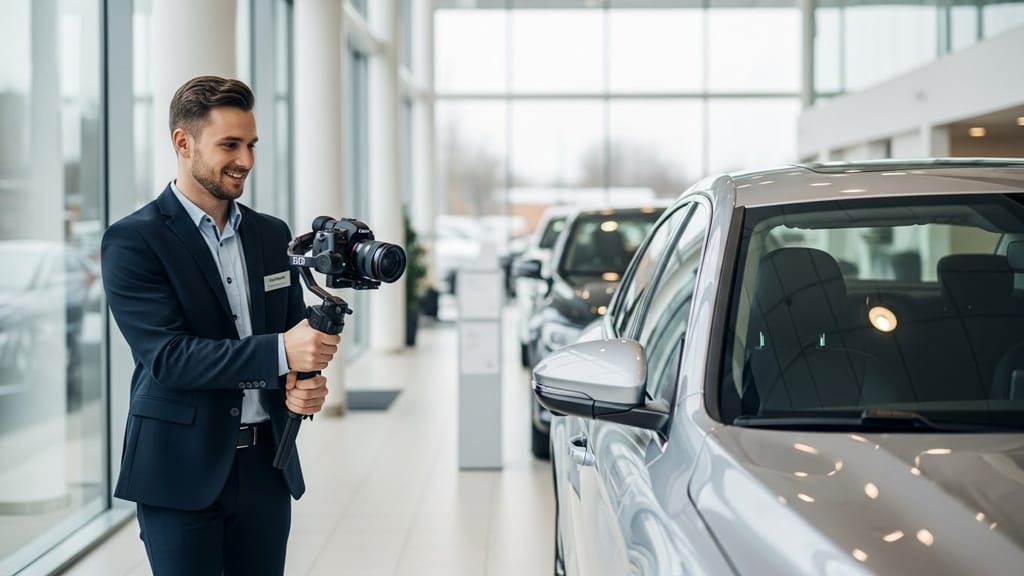
Tip 2: Have good audio
When doing a video, it’s crucial that the customer can hear you. Most phones have decent microphones that work well indoors, but many fail outdoors. It’s a good idea to invest in a headset with a proper microphone to ensure your audio is clear. You can purchase a good-quality headset for around $30-$150.
Tip 3: Practice how you show the car
With a video walkaround, you should have a route you take every single time to ensure you don’t get caught up focusing on the things that aren’t as important. We recommend doing a 360-degree rotation of the exterior and finish with the trunk. You can then show the back seats and the front seats and end the video on the car’s dash. Customers generally have questions about the features of the vehicle - Bluetooth, heated seats, etc.
Tip 4: Make sure everything is well lit
We don’t often realize that car interiors are dark and difficult to see on a video call. A simple solution is to turn on the interior lights. This ensures that the customer will be able to see all the details. Just make sure to turn them off after the walk around, so you don’t kill the car battery!
Frequently Asked Questions About Using Video To Sell Cars
How does video help sell more cars?
Video helps car shoppers feel like they are at the dealership without leaving home. A video walkaround shows the full vehicle, inside and out, and lets the salesperson answer questions in real time. This builds trust, reduces doubt, and gives the buyer enough confidence to move to a test drive or purchase.
What should a good video walkaround include?
A strong video walkaround covers a full 360-degree view of the exterior, the trunk, the back seats, and the front seats. It should also show the dashboard and key features in use, such as blinkers, wipers, climate controls, navigation, audio, Bluetooth, and heated seats. The goal is to show what the customer would check in person.
How long should a car sales video walkaround be?
Keep a video walkaround under 5 minutes. This timing is long enough to show the main features and answer top questions, but short enough to keep the buyer’s attention. You can always follow up with another call or clip if the customer wants more detail.
Which video platforms should car salespeople know how to use?
Car salespeople should be comfortable with major video chat tools, including Google Meet, Zoom, FaceTime, Facebook Messenger Video, and Skype. Customers have different habits, so it is easier for the salesperson to adapt to the customer’s preferred platform than to make them switch.
What basic gear helps improve car sales videos?
Simple, affordable gear can raise the quality of your video. A gimbal keeps the video steady while you walk around the car. A headset or clip-on microphone keeps your voice clear, especially outdoors. Using interior lights and filming in well lit areas helps the camera capture details inside the car.
Conclusion
In the end, it’s essential that we continue to adapt to the changes in our world. If you can replicate the feeling of an in-person viewing through a video walkaround, you’ll likely see an increase in sales. In this day and age, any advantage you can get over your competitors can go a long way, so be sure you’re using all of the tools available.